
How to add Google Tag to your SmartWiFi
Here we explain how you can quickly and easily add your Google Tag to our platform and your WiFi infrastructure.
How to Add your Google Tag as an integration to SmartWiFi.ai
Getting your Google Tag added on our platform is quick and easy!
- Login to the SmartWiFi portal dashboard
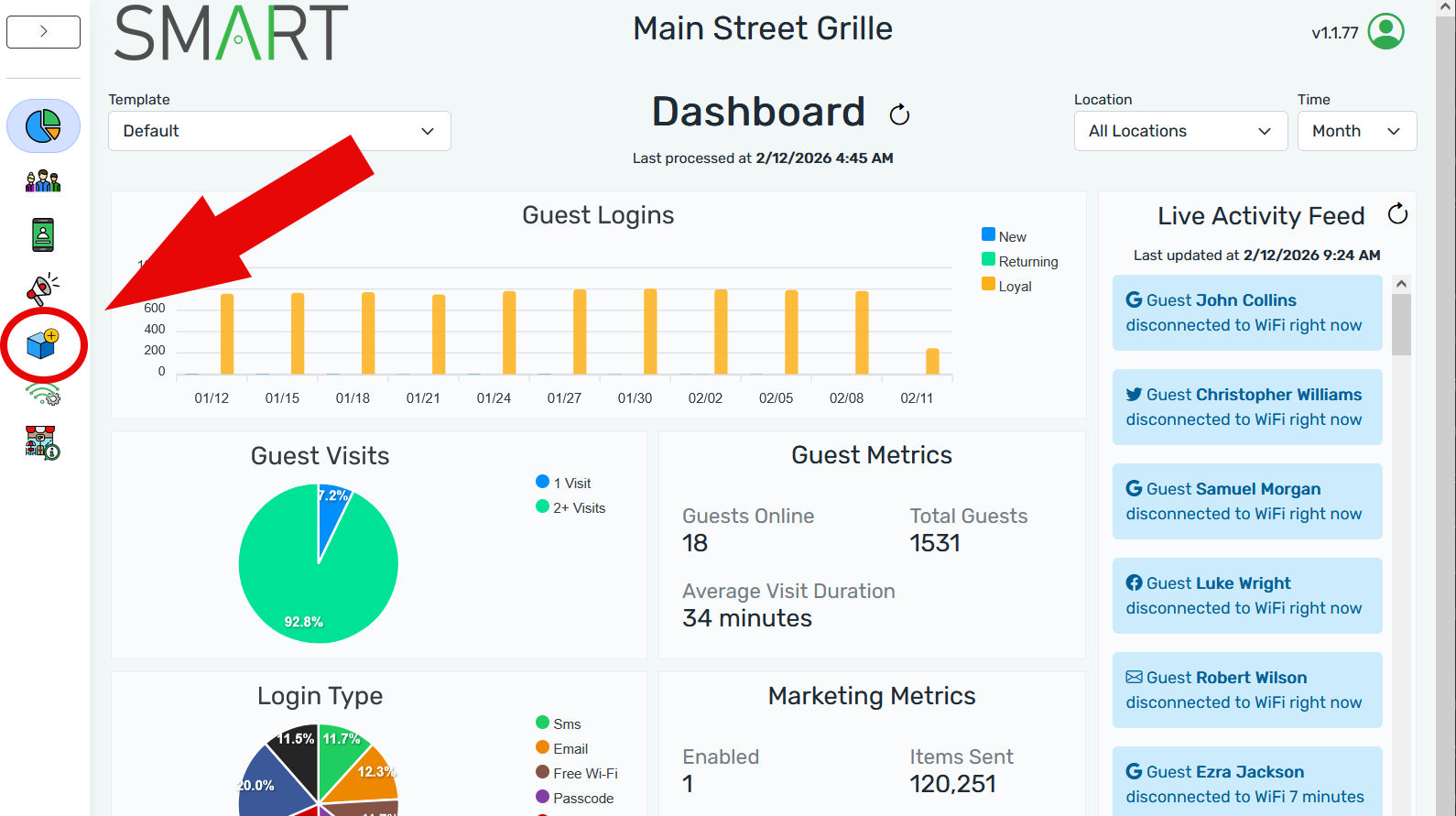
- Navigate to the integrations icon in the left hand column
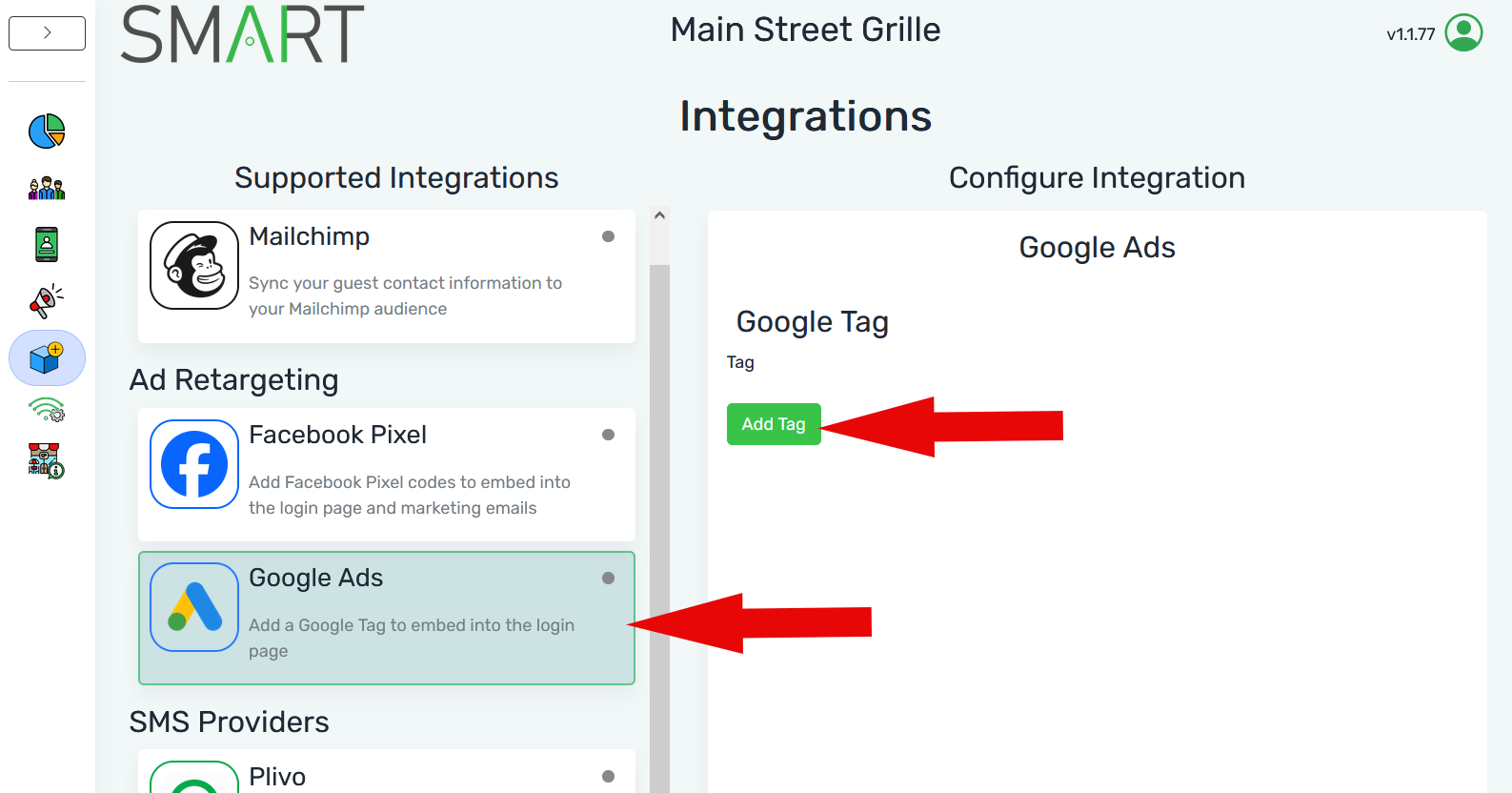
3. Click on the Google Ads Option
- Click on Add Tag
- Add your Google Tag, click Submit
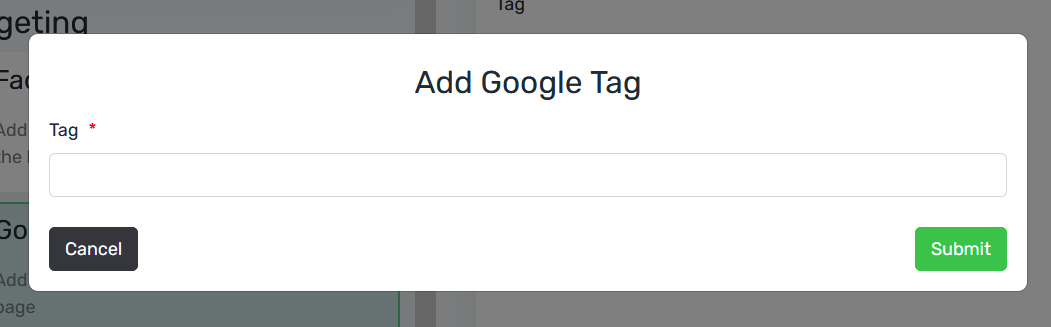
That's it! Your Google Tag has been successfully added to the SmartWiFi platform!
See More




Getting to know the SmartWiFi.ai Portal
Join us as we dive into the myriad ways this powerful tool can transform your customer relationships and streamline your business processes.


How to use Broadcast Marketing Tools
Broadcast marketing comes to the rescue as a fantastic way to entice these customers to return. It’s a win-win strategy that keeps your customers engaged and coming back for more!

Still Have Questions?
Get assistance from the Smart WiFi team, contact us or see our FAQs.