

Guest WiFi Login Page Builder for Fully Branded Splash Pages
Smart WiFi's login page builder gives you everything you need to create a fully branded guest WiFi splash page, from visual customization to login methods to privacy compliance, in one drag-and-drop editor.
How It Works
Design Your Login Page
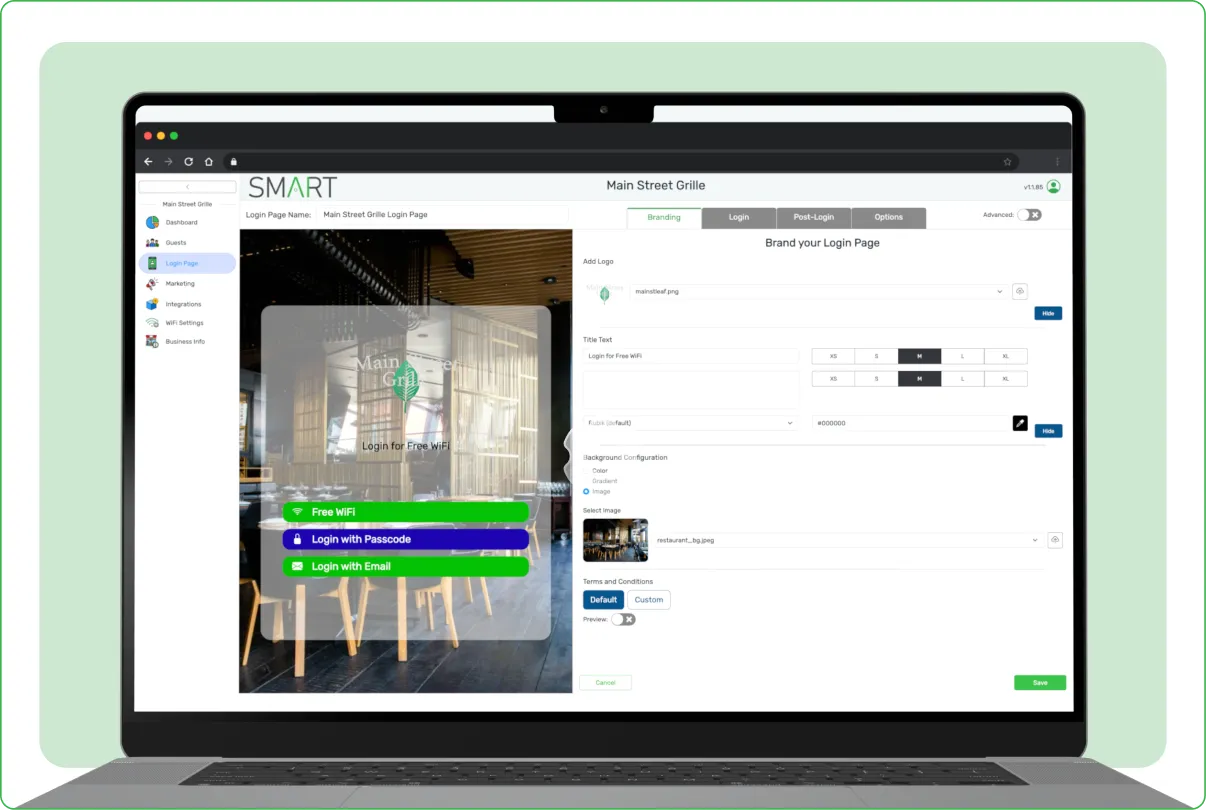
Upload your logo, choose your brand colors, set background imagery, and customize button styles and text to create a guest WiFi login page that looks and feels like your business.
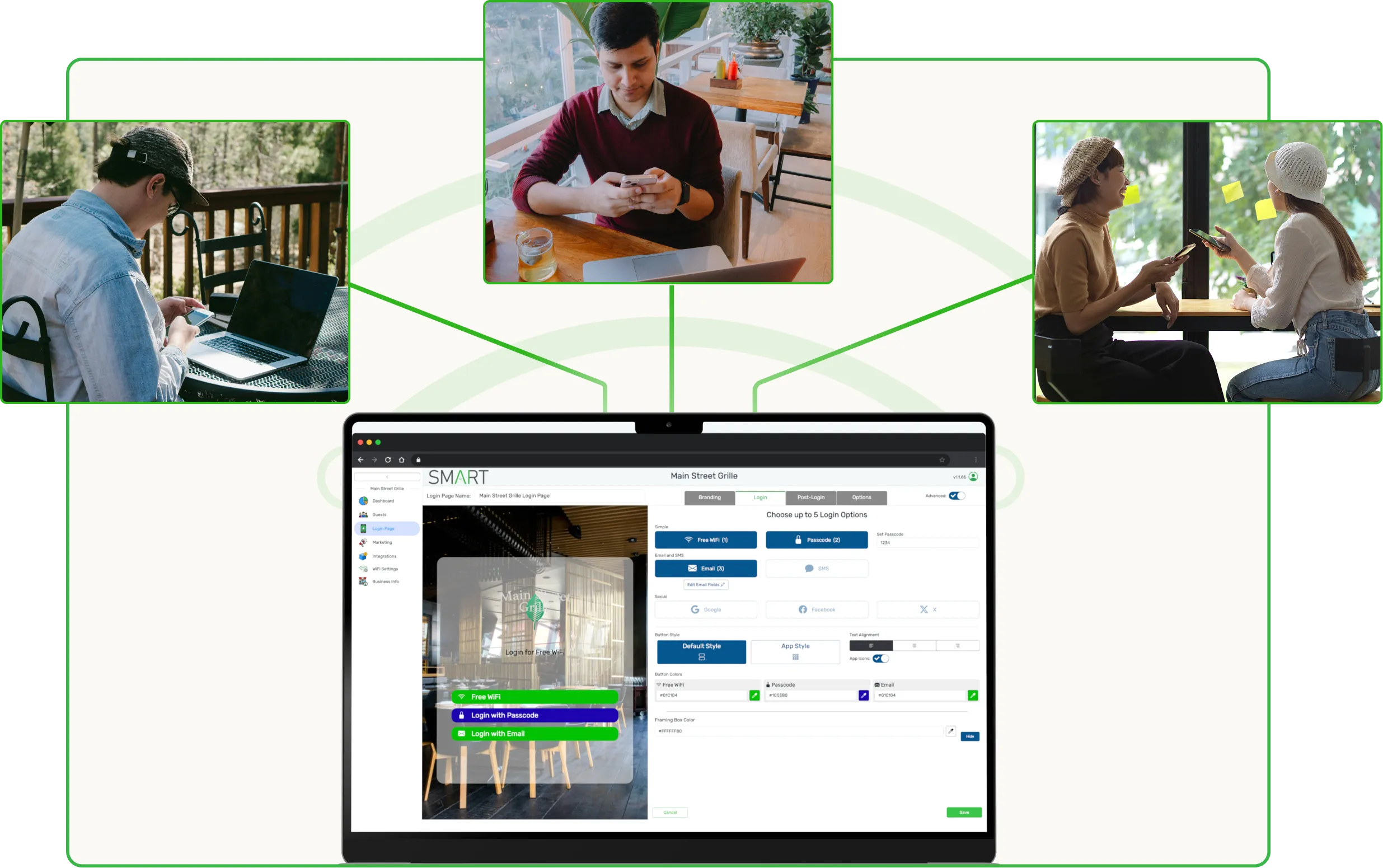
Configure Login Options
Choose how guests log in: via email, SMS, or social platforms like Facebook, Google, and X. Add interactive social elements like a Facebook Like Box or Instagram Follow Box to boost engagement.
Publish & Stay Compliant
Enable automatic language translation for international guests, set custom terms and conditions, and ensure full compliance with CCPA and GDPR regulations before publishing your page.
No coding required. Changes go live instantly across all connected devices.
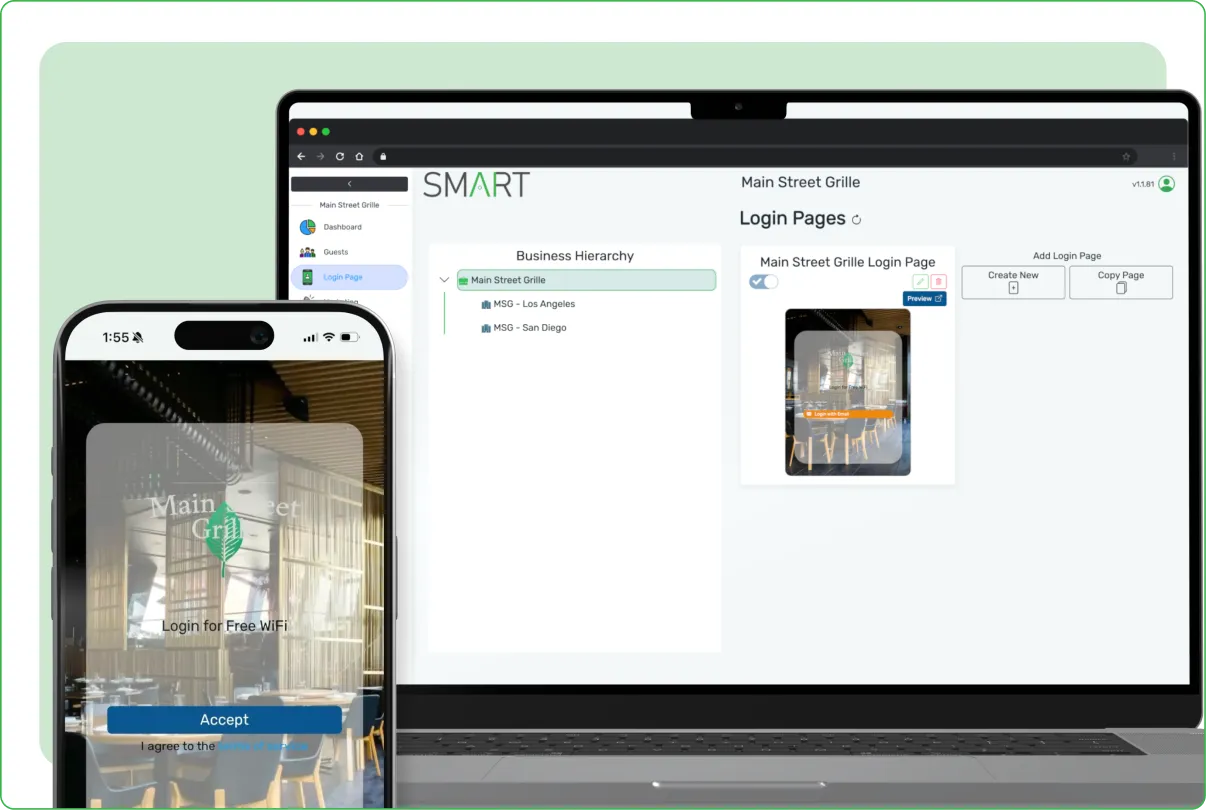
Let Guests Connect the Way They Already Want To
Design a Login Page That Feels Like Part of Your Brand
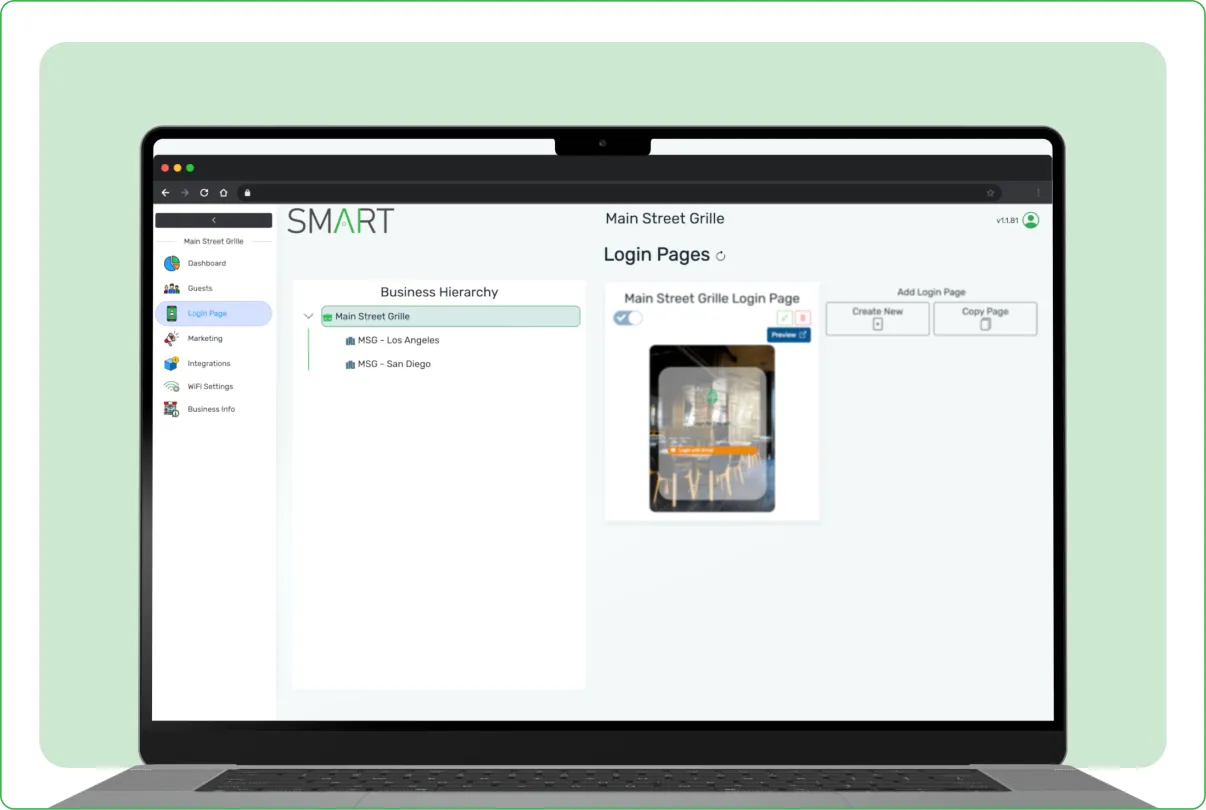
First impressions matter, even on a WiFi login screen. Smart WiFi's drag-and-drop editor lets you control every visual element - logo, background imagery, color palette, fonts, button styles, and copy - so guests recognize your brand the moment they tap "connect." No design tools, no developer, no template constraints.

Drag-and-drop editor with full visual control

Upload custom backgrounds, logos, and brand assets

Mobile-optimized previews before you publish
Stay Compliant in Every Region You Operate In
Smart WiFi handles the legal heavy lifting so you don't have to. Built-in CCPA and GDPR consent flows, customizable terms and privacy policies, and auto-translation across 30+ languages mean your login page stays compliant and welcoming wherever your guests are.
Built-in GDPR and CCPA compliance frameworks
Customizable terms, conditions, and privacy policies
Auto-translation for 30+ languages
Check Out More of Smart WiFi's Features
Logo & Branding
Upload your logo and apply your brand colors, fonts, and background imagery to every guest WiFi login page.
Multi-Method Login
Support email, SMS, Facebook, Google, X, and custom login methods. Guests choose how they connect.
Social Media Widgets
Add a Facebook Like Box, Instagram Follow Box, or embedded YouTube video to drive social engagement at connection.
CCPA & GDPR Compliance
Stay compliant with built-in privacy controls, consent prompts, and data collection disclosures.
Auto Language Translation
Automatically display your login page in the guest's browser language for a seamless international experience.
Custom Terms & Conditions
Set your own terms and conditions that guests must agree to before connecting to your WiFi.
Turn Guest WiFi Marketing Into a Revenue Channel
Join the 3,000+ businesses boosting their sales with Smart WiFi