

Guest WiFi Network Settings That Put You in Full Control
Smart WiFi's guest WiFi network settings give you full control, from network setup and performance tuning to security, scheduling, and content filtering.
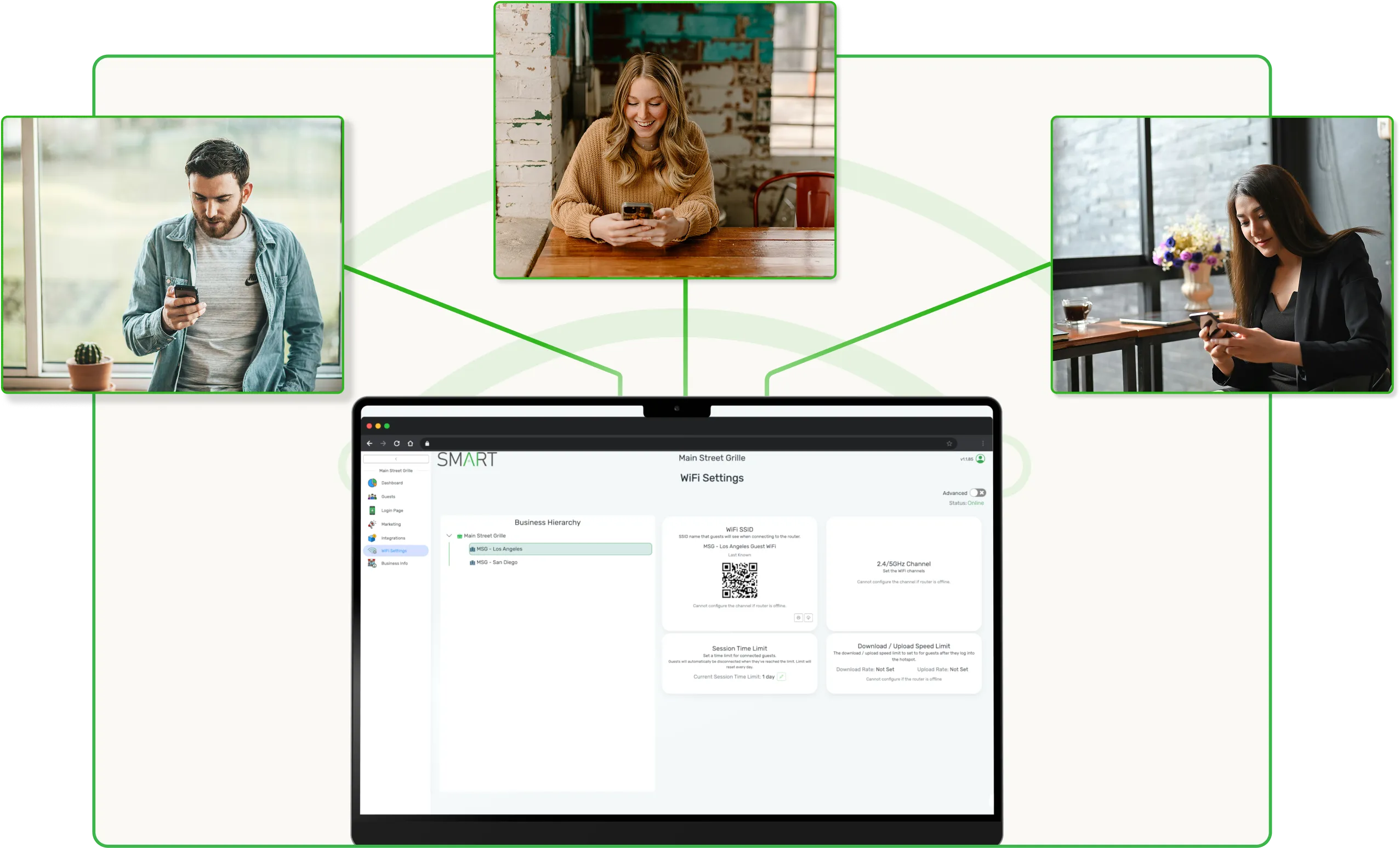
How It Works
Set Up Your Network
Configure your custom SSID to match your brand, generate a WiFi QR code for effortless guest connections, and set a secure password, all from your dashboard.
Optimize Performance
Enable auto-channel optimization to automatically select the best WiFi channel, minimizing interference and ensuring a fast, stable connection for every guest.
Secure & Schedule
Set after-hours schedules to automatically disable guest WiFi when your business is closed, and enable content filtering to block inappropriate websites for a safe browsing experience.
Works with all Smart WiFi hardware. No third-party tools required.
.webp)
Brand Every Guest Connection From the First Login
Keep Guest WiFi Fast, Stable, and Always On
Smart WiFi monitors network conditions in real time and auto-tunes channel selection to minimize interference and congestion. Whether you have one location or a hundred, every guest gets a fast, reliable connection. No manual tuning, no dropped sessions.

Auto-channel optimization across all locations

Real-time network monitoring and alerts

Built to scale from single venues to enterprise networks

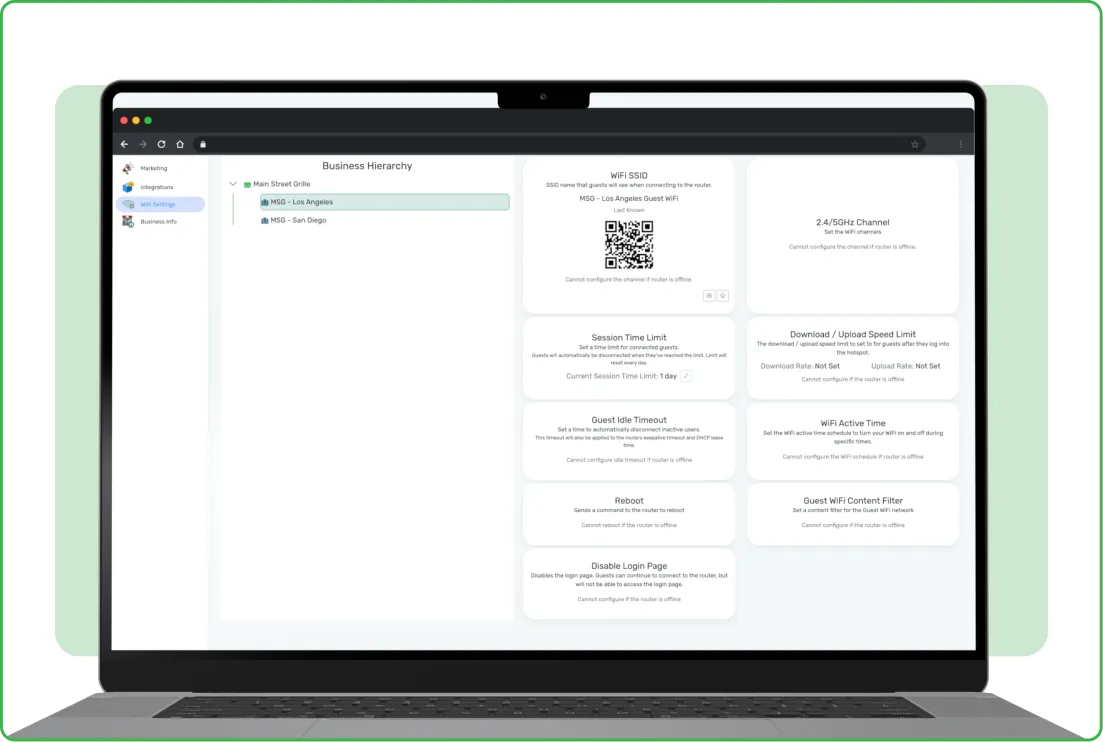
Built-In Content Filtering and After-Hours Controls
Keep your guest network safe and your business protected. Block inappropriate sites with one-tap content filtering, schedule WiFi to disable automatically when you're closed, and lock down access by time, location, or user, all without writing a single firewall rule.
One-click content filtering with pre-built block lists
After-hours scheduling for automatic shutoff
Granular access controls across every location
Check Out More of Smart WiFi's Features
Custom SSID
Brand your guest WiFi with a custom network name that aligns with your business identity.
WiFi QR Codes
Generate scannable QR codes for instant, password-free guest WiFi connections.
Auto-Channel Optimization
Automatically select the best WiFi channel to minimize interference and maximize connection speed.
After-Hours Scheduling
Automatically disable guest WiFi outside business hours to improve security and reduce energy use.
Content Filtering
Block inappropriate websites and ensure a safe, family-friendly browsing experience for all guests.
Secure Guest Network
Keep guest traffic isolated from your internal business network for enhanced security and performance.
Turn Guest WiFi Marketing Into a Revenue Channel
Join the 3,000+ businesses boosting their sales with Smart WiFi